
Quick Summary:
|
Odoo POS and Square solve different problems. Square is a simple, bundled payments and POS service with published plans but it only runs in eight countries and India is not one of them. Odoo POS is part of the Odoo ERP suite, connects to inventory and accounting and works with many payment providers, including Razorpay and Pine Labs. This guide compares them on pricing, payments, features and fit. |
Introduction: Which Is Better for Your Business, Odoo POS or Square?
Square suits small businesses in its supported countries that want one provider for POS software, hardware and card processing. Odoo POS suits businesses that want a point of sale connected to stock, accounting and the rest of an ERP and that need a choice of payment providers.
For Indian businesses the first question is availability. Square's own help page lists the countries where its card acceptance works and India is not among them.
This guide compares Odoo POS and Square on what matters most when you choose:
- What each product is and who it is built for
- Pricing, including how fees work
- Where each can be used
- Features, ERP connection and customization
- How to decide
|
Market Context: The two products are priced and built differently. Square publishes three plans: Free at $0, Plus at $49 and Premium at $149 per location per month, with in-person card rates of 2.6% + 15¢, 2.5% + 15¢ and 2.4% + 15¢ respectively. Square's help page says card acceptance is available only in the US, Canada, Australia, Japan, the UK, Ireland, France and Spain. Odoo's documentation, by contrast, lists a wide range of payment terminal providers for its POS, including Razorpay, Pine Labs, Stripe, Adyen, Ingenico and Viva.com and notes that Stripe and Adyen terminals do not need an IoT Box. Source: Square, Pricing; Odoo 19.0 Documentation, Payment terminals |
What Is Odoo POS and What Is Square?
Odoo POS is the Point-of-Sale app in the Odoo suite. It runs in a browser and because it shares one database with Inventory, Accounting, Sales and other apps, each sale updates stock and the books without extra steps. It works in a shop mode and a restaurant mode.
Square is a standalone POS and payments service. Its pricing is built around its own payment processing, with software plans layered on top and optional hardware such as the Terminal, Register and Stand.
Put simply, Odoo POS software is a module of an ERP, while Square is a payments company with a POS attached. That difference drives most of the comparison.
Odoo POS vs Square at a Glance: What Are the Key Differences?
|
Factor |
Odoo POS |
Square |
|
Product type |
App within the Odoo ERP suite |
Standalone POS and payments service |
|
Payment processing |
Your choice of terminal provider |
Square's own processing |
|
Plans |
Part of Odoo's plans, priced per user |
Free ($0), Plus ($49), Premium ($149) per location |
|
Where it works |
Not limited to Square's eight countries; terminal support varies by provider |
US, Canada, Australia, Japan, UK, Ireland, France, Spain |
|
India payment terminals |
Razorpay and Pine Labs listed |
Not available |
|
Back office |
Inventory, accounting and sales in one database |
Square's own inventory and reporting tools |
|
Customization |
Open to developers, with Studio for some changes |
Limited to Square's settings and integrations |
How Do Odoo POS and Square Compare?
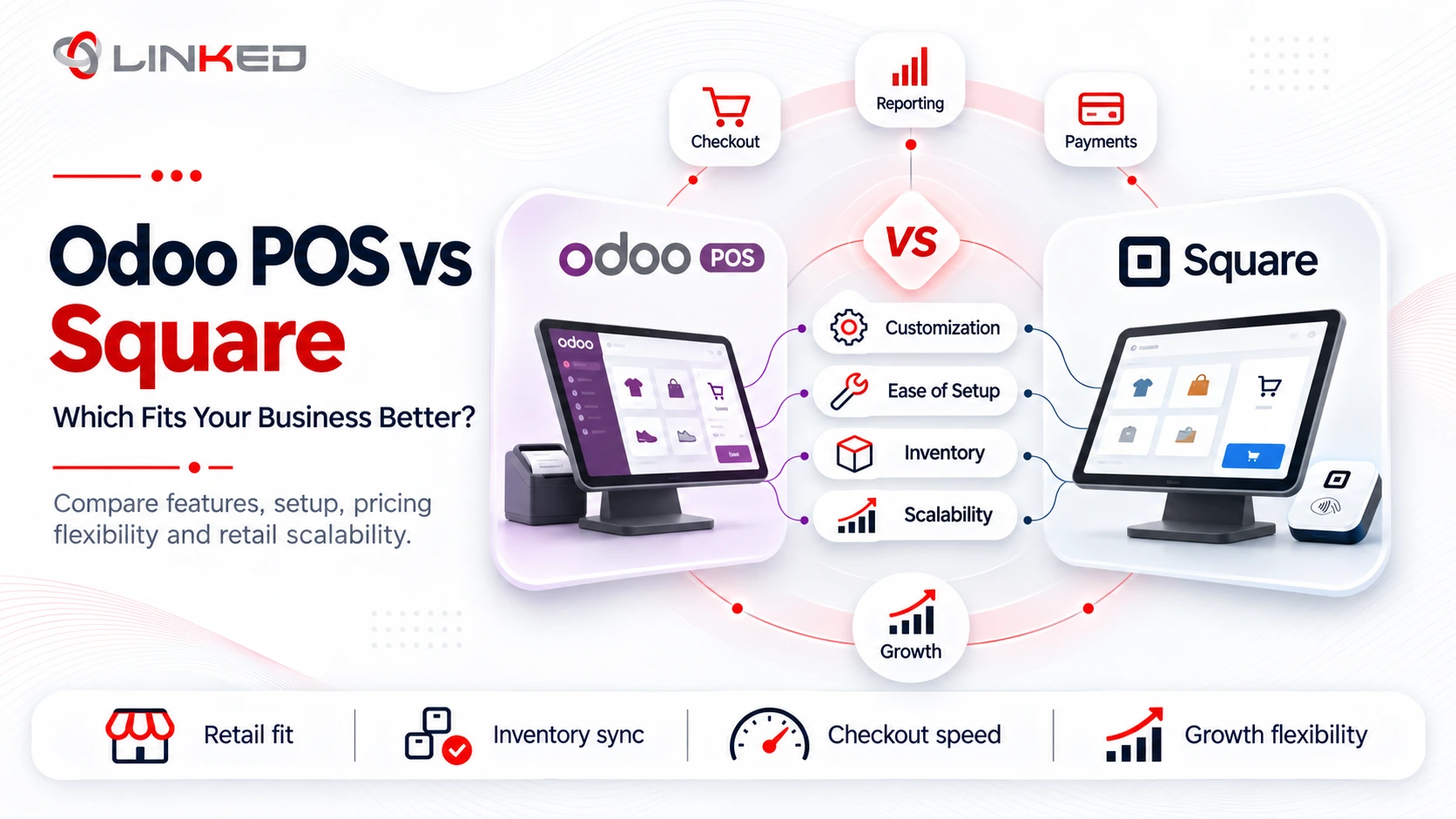
Odoo POS and Square differ most on four points: pricing model, where they can be used, features and hardware. Square bundles software and card processing in eight countries, while Odoo POS is an ERP app that works with a choice of payment providers and has no Square-style country limit.
How Do the Prices Compare?
Square's pricing is easy to read. You choose a plan and pay a percentage plus a fixed fee on each card payment. Odoo POS pricing works differently: Odoo charges per user on its plans and the card fees depend on the payment provider you connect.
Square's published pricing:
- Free: $0 a month, with 2.6% + 15¢ per in-person tap, dip or swipe and 3.3% + 30¢ online.
- Plus: $49 a month per location, with 2.5% + 15¢ in person and 2.9% + 30¢ online.
- Premium: $149 a month per location, with 2.4% + 15¢ in person and 2.9% + 30¢ online.
As an illustration, a $25 in-person card sale on the Free plan costs about 80¢ in fees: 2.6% of $25 is 65¢, plus 15¢. A shop taking 1,000 such sales a month would pay roughly $800 in processing fees.
How Odoo POS pricing works:
- Odoo plans: Pricing is per user and varies by region, so check Odoo's pricing page for your country.
- Processing fees: These come from your chosen provider, such as Razorpay, Stripe or Adyen, not from Odoo.
- Other costs: Hardware, implementation and any customization are separate.
To compare fairly, estimate your monthly card volume and average sale, then calculate fees under each model over a full year.
Where Can You Use Each One?
Availability is the clearest difference. Square's help page says card payment acceptance with its app is currently available in the US, Canada, Australia, Japan, the United Kingdom, Ireland, France and Spain and that it does not support card processing elsewhere.
For a business in India, that rules Square out. Odoo POS has no such country limit but terminal support depends on the provider you choose.
Odoo's documentation lists terminal integrations for Adyen, Dpopay, Ingenico, Mercado Pago, Mollie, Pine Labs, QFPay, Razorpay, SIX, Stripe, Tyro and Viva.com, with Worldline also supported. For India, Razorpay and Pine Labs are the relevant options. Odoo notes that Stripe and Adyen terminals work in many countries but not worldwide, so check coverage for your market.
How Do the Features Compare?
Both cover the core of a point of sale: taking orders, accepting payments and printing or sending receipts. The difference is how far each reach beyond the till.
Odoo POS system features:
- Shop and restaurant modes: Restaurant mode adds floor plans and table management.
- Hardware options: Receipt printers, customer displays, barcode scanners, card readers and scales can connect through Odoo's IoT Box and some terminals need no IoT Box.
- Shared data: Sales flow to inventory and accounting automatically.
- Customization: Developers can extend the app for specific needs.
Square's features by plan:
- Free: A full POS, items, inventory and sales reports, an online store and a customer directory.
- Plus: Advanced inventory and reporting and advanced team management.
- Premium: The lowest in-person rate, lower online fees and advanced reporting and permissions.
Square is faster to start with and easier to run for a single shop. Odoo POS software gives more control when the point of sale must work with purchasing, stock, accounting and multiple locations.
How Do the Hardware Options Compare?
Hardware choices affect both cost and flexibility. Square sells its own devices, while Odoo works with hardware from several sources.
Square's range includes the Reader, Terminal, Stand and Register. Everything is designed to work together, which keeps setup simple but you are tied to Square's equipment and processing.
Odoo POS software connects to a wider set of devices:
- IoT Box - Connects receipt printers, customer displays, barcode scanners, card readers and electronic scales.
- ePOS printers - Some receipt printers connect directly by IP address, with no IoT Box.
- Payment terminals - Stripe and Adyen terminals do not need an IoT Box, while Worldline terminals connect through Odoo's IoT system.
Whichever route you take, confirm that each device works in your country and with your chosen payment provider before you buy.
How Does an Odoo POS System Connect to Inventory and Accounting?
An Odoo POS system shares one database with the rest of the suite. That removes a whole class of reconciliation work.
When a cashier completes a sale, the stock level for each item falls and the sale posts to accounting. Purchasing can see the lower stock and raise a replenishment order and finance sees the day's takings without a manual upload.
For Indian businesses, Odoo's India localization covers GST in Accounting, with e-invoicing and e-way bills available since Odoo 15. Confirm with your partner how GST is applied on POS receipts for your setup.
Square can connect to other tools through integrations but its inventory and reporting stay inside Square unless you build or buy a connection.
What Does a Typical Odoo POS Rollout Involve?
A well-run Odoo POS system rollout is short but each step matters. Skipping one usually shows up at the till.
- Discovery - List outlets, sales channels, payment methods and receipt requirements.
- Configuration - Set up the POS, products, prices, taxes and cashier roles.
- Payments - Connect the chosen terminal and test every payment method.
- Hardware - Install and test printers, scanners and displays.
- Data - Load products, barcodes and opening stock.
- Training - Teach cashiers and managers on real devices.
- Go-live - Start with one outlet, watch closely and fix issues quickly.
How Should You Trial a POS Before You Commit?
A trial reveals problems that a demo hides. Whether you test Square or Odoo POS, use your own products and your own staff.
Run a full day of realistic sales, including returns, discounts and split payments. Test what happens when the internet drops and check that receipts show the tax details your market requires.
Finally, ask the finance team to review the end-of-day report. If it does not match their needs, the POS is not ready, however smooth it feels at the counter.
What Is Odoo POS Development and When Do You Need It?
Odoo POS development means changing or extending the point of sale beyond its standard settings. Because Odoo is open to developers, many needs can be met with custom work.
Common examples include:
- Custom receipts - Layouts that carry your branding or required tax details.
- Pricing and loyalty rules - Discounts or rewards that standard options do not cover.
- Hardware connections - Unusual printers, scales or displays.
- Payment integrations - A terminal or gateway that is not on Odoo's list.
- Reports - Tailored views for managers.
Treat Odoo POS development as a last step, not a first one. Try standard configuration first and plan for testing and upgrades, because every custom module must be maintained through new Odoo versions. A good Odoo ERP consultant will tell you which requests deserve custom work.
What Should You Ask a Partner Before You Buy Odoo POS?
A short list of questions avoids most surprises. Put them to any partner before you sign.
Start with payments: which terminal providers work in your country and can the partner show one running? Then ask how GST appears on receipts and in accounting and how the system behaves when the internet is down.
It also helps to ask:
- Edition - Which Odoo edition and plan covers the features and hardware you need?
- Compatibility - Which printers, scanners and displays have been tested?
- Customization - What Odoo POS development, if any, is needed and who maintains it?
- Support - Who answers cashier issues on a busy Saturday?
Which Is Better for Your Business: Odoo POS or Square?
Neither is better in every case. The right choice depends on where you operate and what you need around the till.
Square tends to fit when:
- You operate in one of Square's eight supported countries.
- You are a small business with one or a few locations.
- You want one provider for software, hardware and card processing.
- You value a quick start over deep back-office integration.
Odoo POS tends to fit when:
- You operate in India or another market Square does not serve.
- You want sales, stock and accounting in one system.
- You need a choice of payment providers or terminals.
- You have several outlets or expect to grow into an ERP.
- You need customization that a standalone POS cannot offer.
What Mistakes Do Businesses Make When Choosing a POS?
Most mistakes come from comparing the wrong things. Businesses often compare monthly software prices while ignoring card fees, which usually cost far more over a year.
A few more are common:
- Ignoring Availability - A product that does not support your country is not an option, however good its features.
- Forgetting Hardware - Terminals, printers and scanners add real cost and need compatibility checks.
- Skipping the Back Office - A POS that does not connect to stock and accounting creates reconciliation work.
- Over-Customizing - Heavy custom work raises cost and upgrade effort.
- Choosing Without Testing - Let cashiers try the screens before you decide.
How LinkedERP Approaches Odoo POS
LinkedERP implements Odoo, including Odoo POS and scopes projects around the points in this guide. Payment terminals, GST handling and stock links are planned before configuration begins.
- Standard First - Odoo's built-in POS features are used wherever they fit.
- India Fit - Terminal options such as Razorpay and Pine Labs and GST handling are checked early.
- Scoped Customization - Any Odoo POS development has a stated purpose, owner and cost.
Conclusion: Is Odoo POS or Square the Right Choice for You?
Square is a simple, bundled option for small businesses in its eight supported countries. Odoo POS is the stronger choice when you operate in India or elsewhere outside Square's markets or when you want the point of sale tied to inventory, accounting and the wider ERP.
Start with availability, then compare total cost over a year, including card fees, hardware and any customization. Whichever you choose, test it with your own staff and your own products before you commit.
Deciding
between Odoo POS and Square?
Talk to LinkedERP's team for a scoped assessment of your outlets, payment setup and Odoo POS development needs.
www.linkederp.com | info@linkederp.com | Book a Free Assessment
Frequently asked questions
Set up the POS app, products, prices, taxes, cashier roles, payment methods and hardware, then load opening stock, test transactions and train users before go-live.
Configure products, taxes, payment terminals, barcode scanners, printers, user roles and inventory links, then test real sales scenarios such as returns, discounts and split payments before launch.
Odoo POS should be tested for offline scenarios before rollout, especially for payment processing, receipts and stock updates, as behavior can depend on the setup and connected payment hardware.
Odoo POS can be used by retail shops, restaurants, multi-outlet businesses and companies that want point-of-sale transactions connected directly with inventory, accounting and other Odoo apps.
Odoo POS runs in a web browser, so it can be used on compatible tablets and other browser-enabled devices, subject to hardware and payment-terminal compatibility.
Yes. Odoo’s India localization supports GST in Accounting, with e-invoicing and e-way bills also available; GST treatment on POS receipts should be configured and tested for your specific setup.